Setting Up Your Account All Contributors
Before you can start contributing, you'll need to activate your account and log in. This takes about two minutes.
1. Check Your Email
Look for an email from PATHS with the subject line "Set Your Password". This is sent to the address your Limitless contact provided during onboarding.
You'll receive an email with a link to set your password.
Can't find the email?
Check your spam or junk folder. If it's not there, contact your Limitless point of contact to have the invitation resent.
2. Set Your Password
Click the link in the email. You'll be taken to a page where you can choose a strong password for your account.
3. Log In
Go to paths.limitless-longevity.health. Enter your email address and the password you just created.
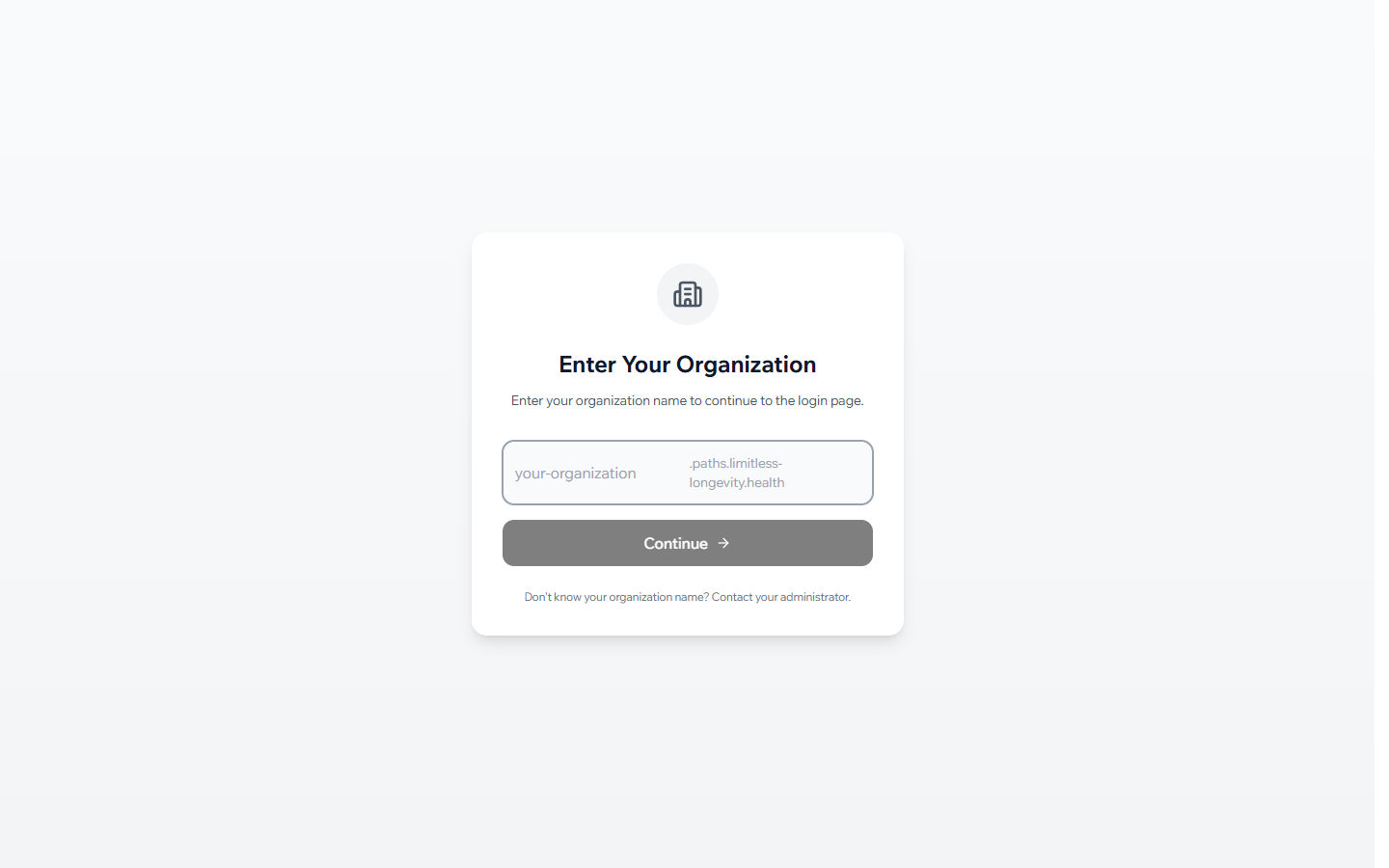
4. Set Up Your Profile
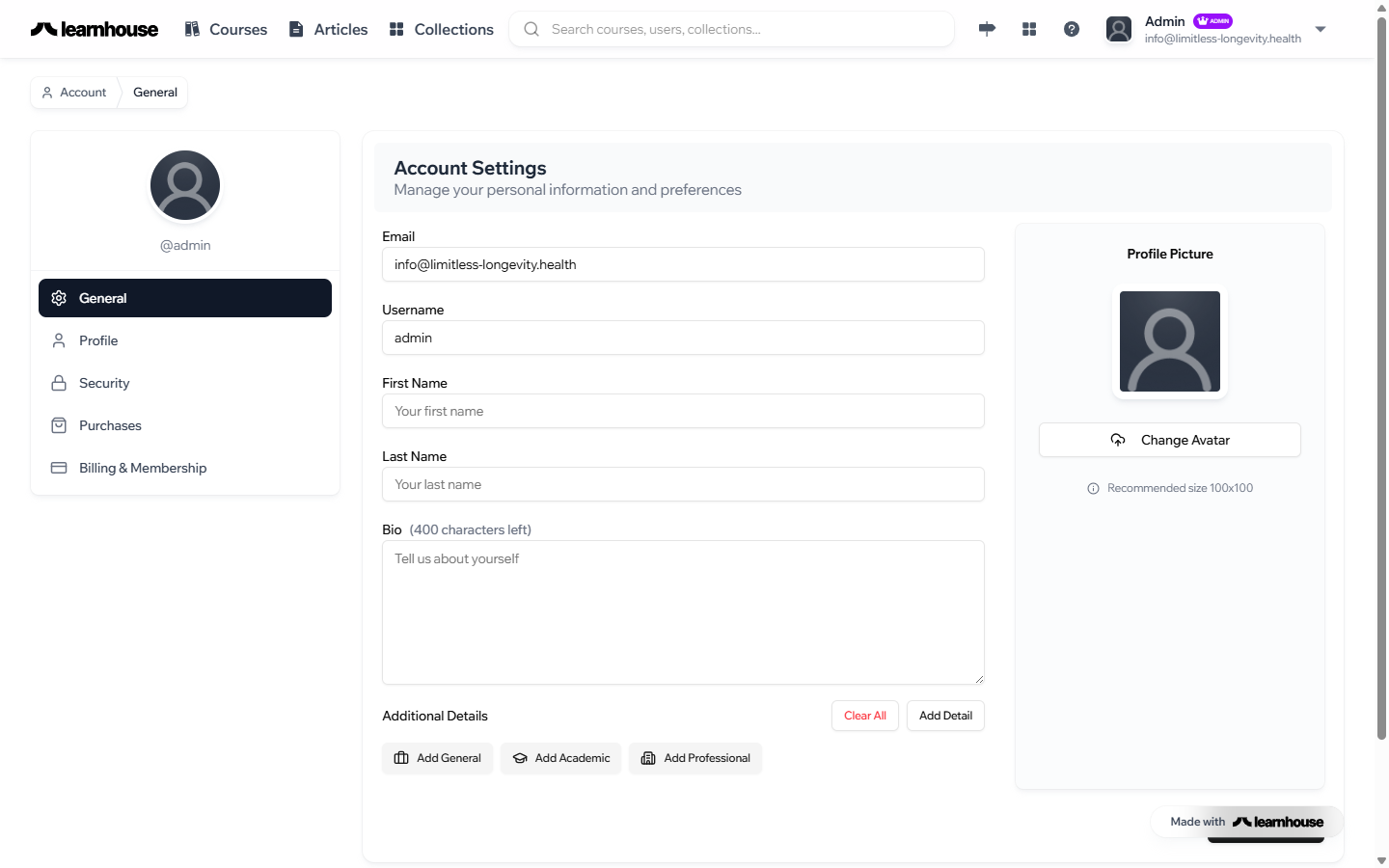
Once logged in, add your name, a professional photo, and a short bio. This helps your team recognize you and appears alongside your published content.
Click your initials in the top-right corner, then select Profile to edit your details.
Bookmark for quick access
Save paths.limitless-longevity.health to your browser bookmarks so you can get back in with one click.
What's Next?
Now that you're logged in, let's take a quick tour of the platform.