Finding Your Way Around All Contributors
Here's a quick tour of the PATHS platform so you know where everything lives. Once you're familiar with these areas, you'll be ready to start creating content.
Your Dashboard
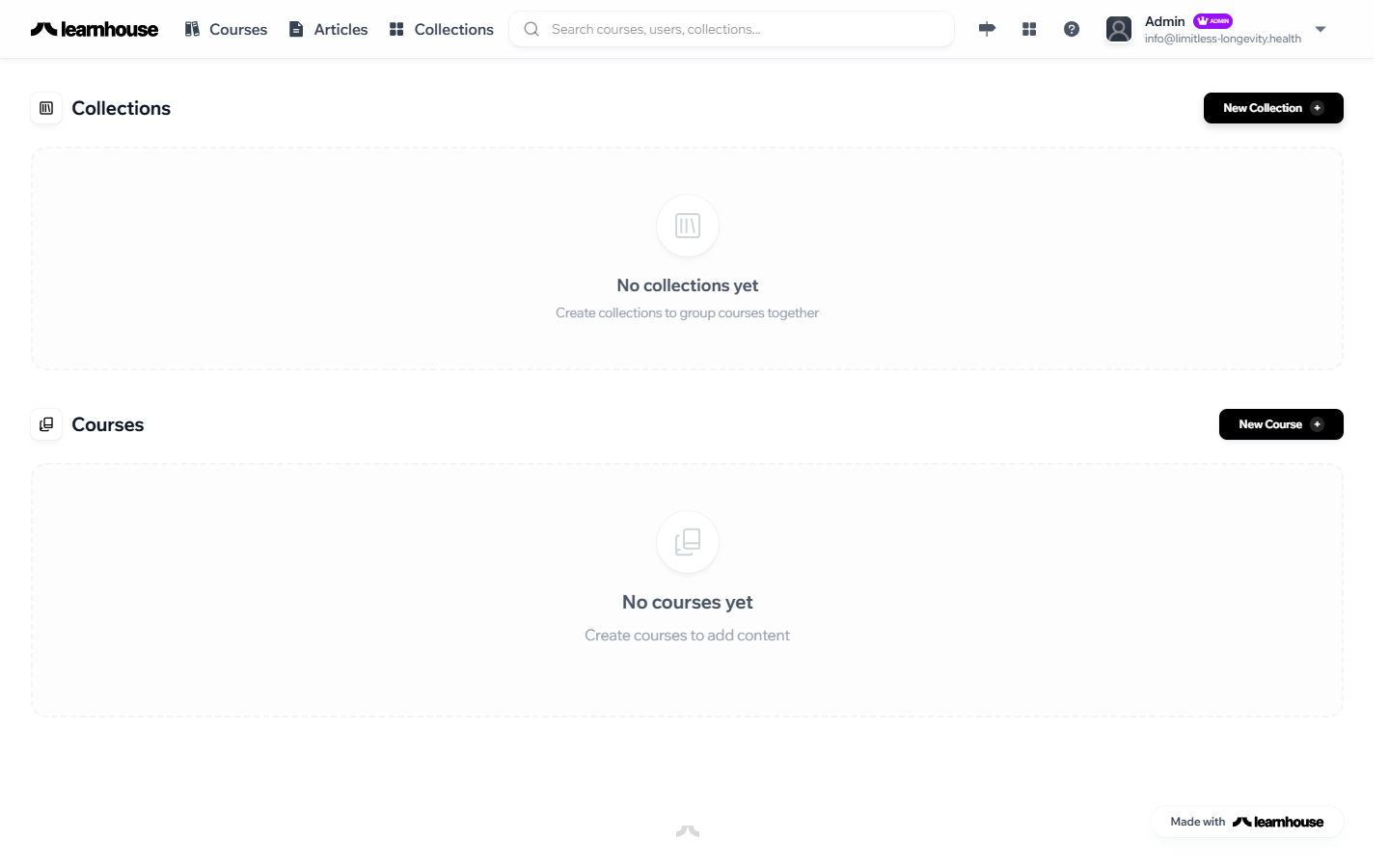
After logging in, you'll land on your Dashboard. This is your home base — it shows your recent articles and gives you quick access to everything you need.
Key Areas
There are three areas you'll use regularly:
Sidebar Navigation
The left-hand sidebar is how you move around the platform. Click Articles to see all articles, or navigate to specific content pillars. The sidebar stays visible on every page.
Main Content Area
The large central area is where you'll do your work — browsing articles, writing in the editor, or reviewing content. Whatever you select in the sidebar appears here.
Profile Menu
Your initials appear in the top-right corner. Click them to access your profile settings or log out.
Key Terms
A few terms you'll see throughout the platform:
- Dashboard — Your home screen showing recent activity and quick links
- Organization — The Limitless Longevity workspace that contains all content and team members
- Pillar — A content category (e.g., "Nutrition," "Sleep," "Biomarkers") that groups related articles together
- Article — A single piece of content — a guide, explainer, or deep-dive on a topic
- Draft — An article that's still being written or revised, not yet visible to members
What's Next?
You know the layout — now let's create your first article.