Submitting for Review
When your article is ready for a second pair of eyes, submit it for editorial review. An editor on the team will assess your work and either approve it or provide feedback.
How to Submit
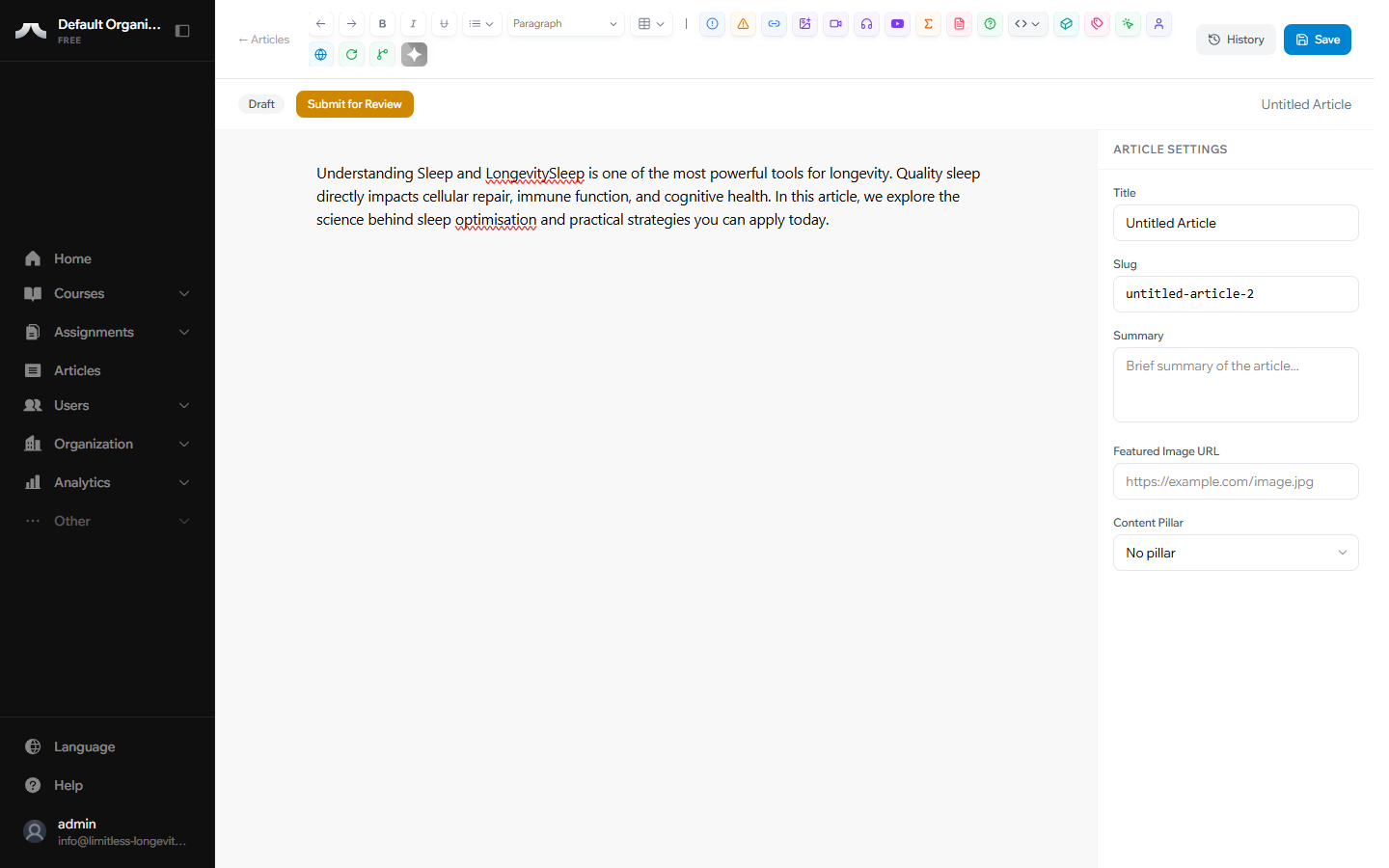
- Open your article in the editor.
- Make sure you're happy with the content — once submitted, you won't be able to edit until the review is complete.
- Click Submit for Review.
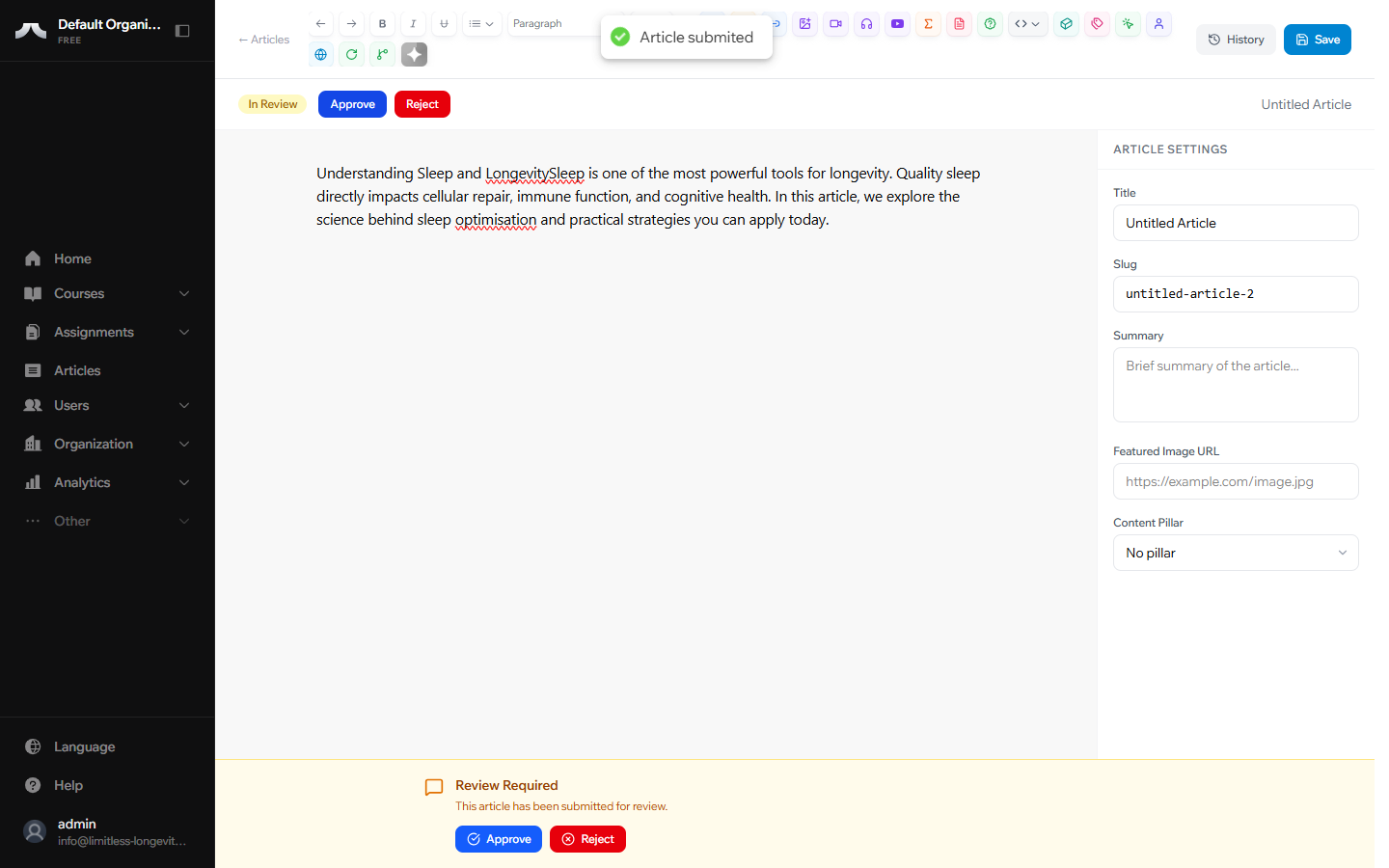
- Your article's status changes from Draft to In Review.
What Happens Next
An editor on the team will review your work. You'll see the status update in your dashboard — no need to follow up manually. When the review is complete, the article will either move to Approved or return to Draft with feedback.
If Your Article Is Sent Back
A rejection is not a negative judgment — it means the editor has specific feedback to help strengthen your piece. This is a normal and valuable part of the process.
To find the feedback:
- Open the article from your dashboard.
- Look for the editor's notes — they'll appear in the article's feedback area.
To resubmit:
- Review the editor's notes carefully.
- Make your changes in the editor.
- Click Submit for Review again.
Tip
Feedback is part of the collaborative process. Editors provide specific notes to help you create the strongest possible content. Think of it as a second pair of expert eyes.
What's Next?
If you're an Editor or Publisher, learn how to review and publish articles in Reviewing & Publishing. Otherwise, check the Glossary and FAQ for quick answers to common questions.