Reviewing & Publishing Editors / Publishers
As an editor or publisher, you ensure every article meets PATHS quality standards before it reaches readers. Both of your internal team roles can perform all the actions described here.
Finding Articles to Review
Go to Articles in the dashboard and filter by In Review status. These are articles submitted by authors and awaiting your assessment.
Reviewing an Article
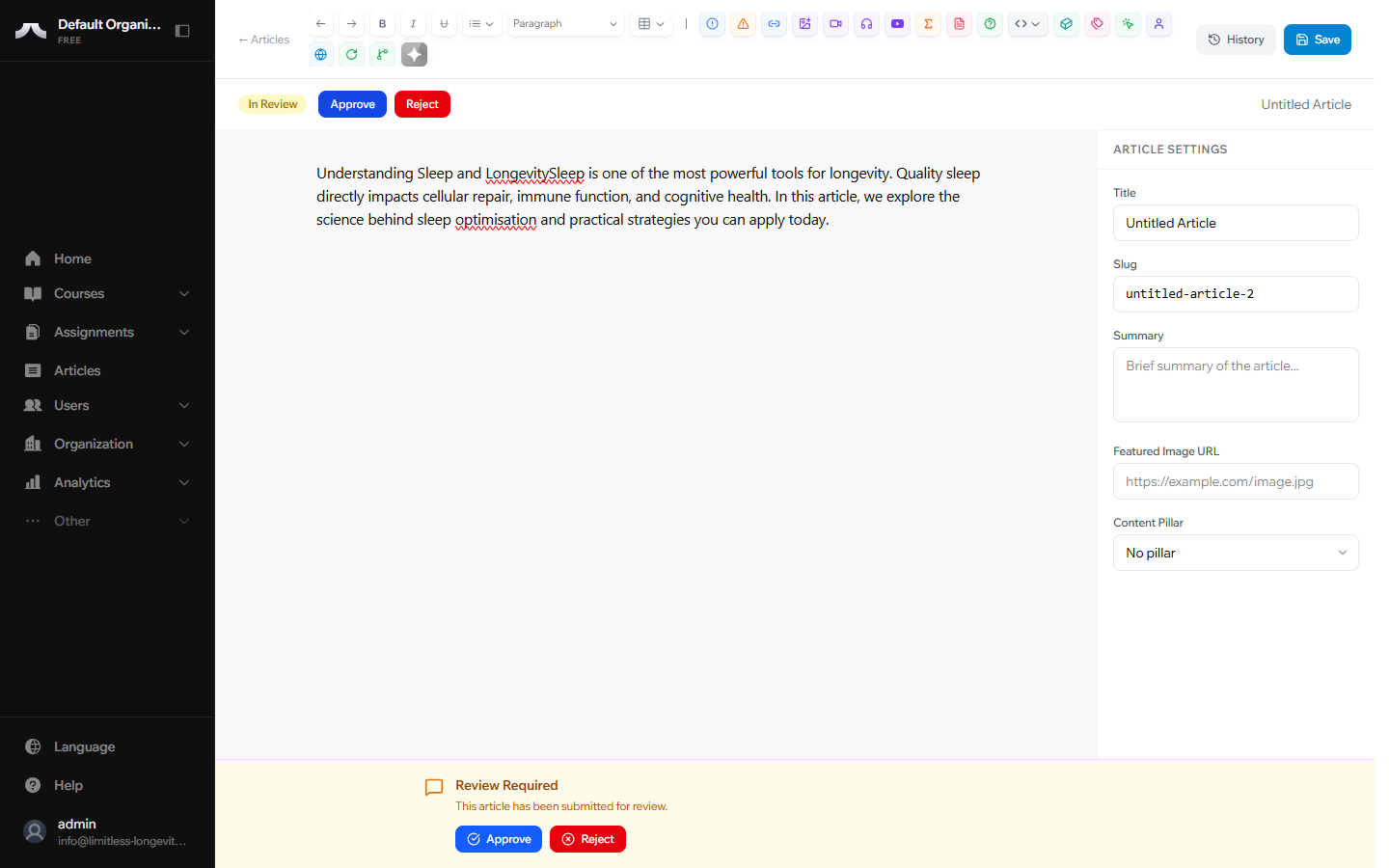
Open the article and read through it carefully. Assess the content for quality, accuracy, and alignment with PATHS editorial standards.
Approving
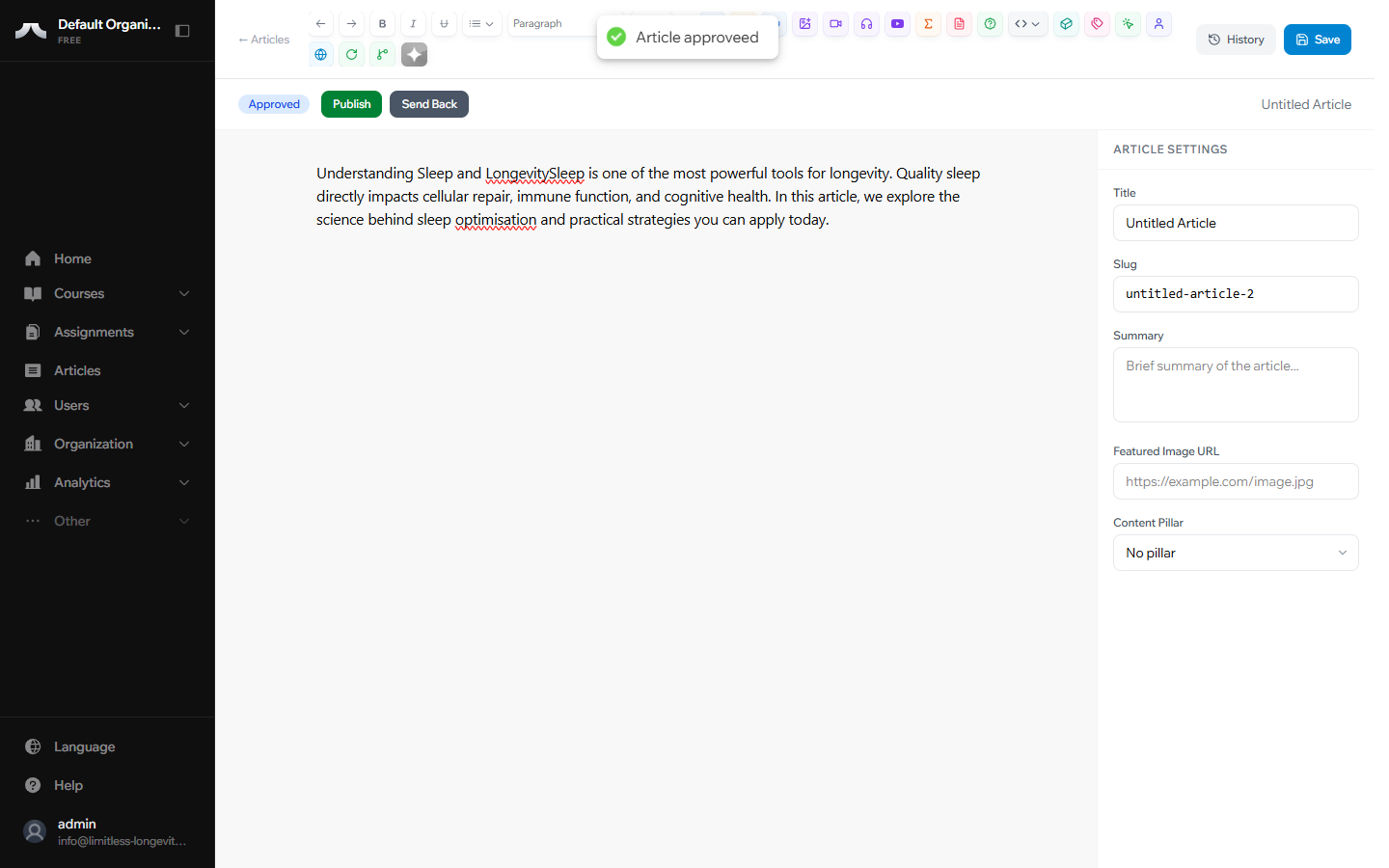
If the article meets your standards, click Approve. The article moves to Approved status — ready for publishing.
Rejecting with Feedback
If the article needs changes, click Reject. You'll be prompted to add notes explaining what needs to change. The article returns to Draft and the author sees your feedback.
Important
When rejecting, always include clear, specific feedback. A blank rejection leaves the author without direction.
Publishing an Approved Article
Find articles with Approved status in the dashboard. Open the article and click Publish. The article is immediately live and visible to readers.
Archiving Content
To remove a published article from public view, click Archive. The article is preserved but no longer visible to readers. Use this for outdated content or seasonal material you may want to bring back later.
Reopening Archived Articles
Archived articles can be sent back to Draft by clicking Reopen. This restarts the editorial cycle, allowing the author to update the content before it goes through review again.
What's Next?
For quick definitions and answers, see the Glossary and FAQ.